Step 1: Open the source where you will choose your video from. Youtube is used in my example.
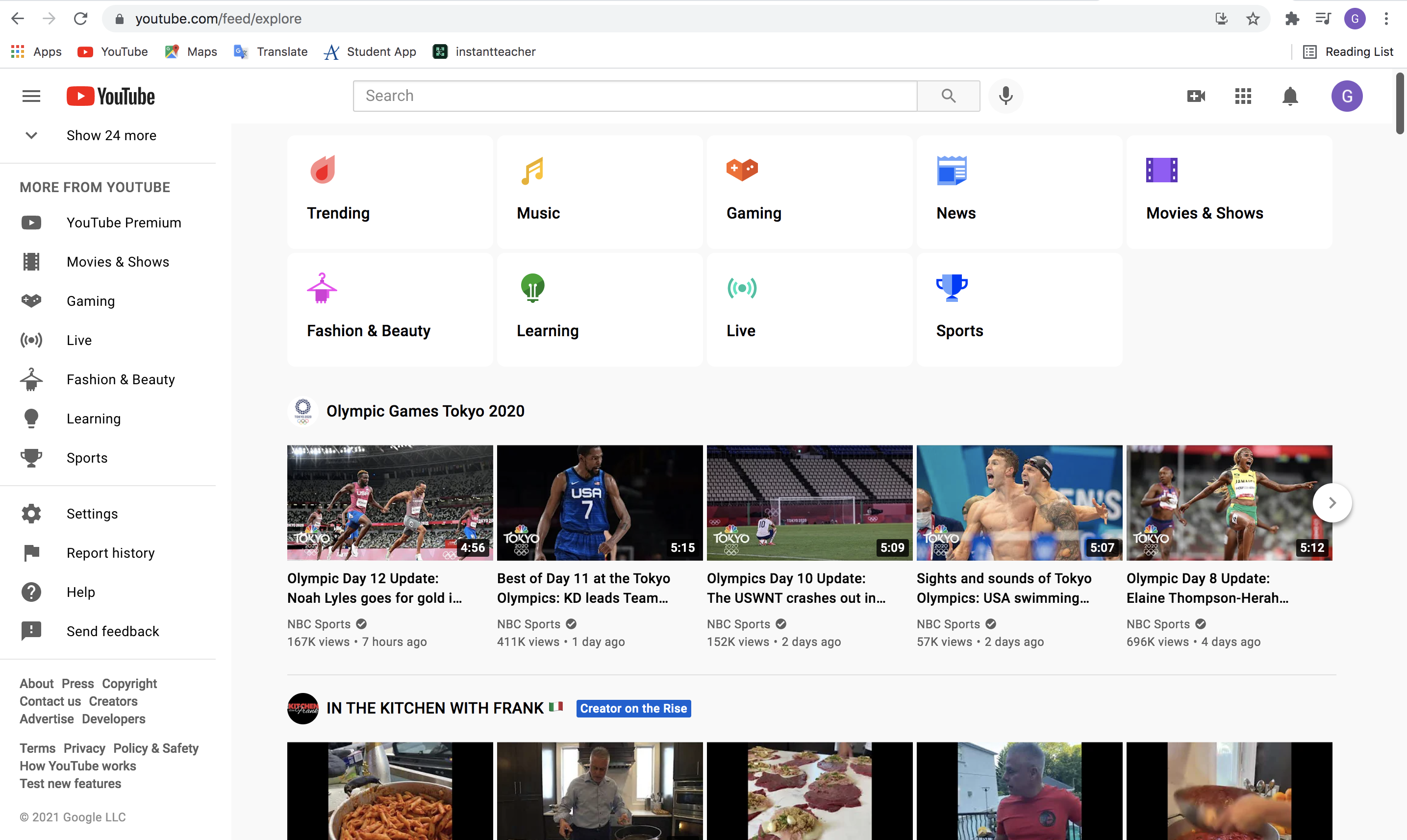
Step 2: Search and select the video that you would like to embed.

Step 3: Click the share button below the video and to the right of the thumbs up/down buttons.
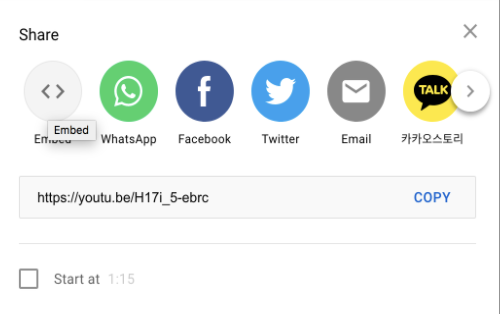
Step 4: Then, click the embed button. You can then highlight and copy the code.
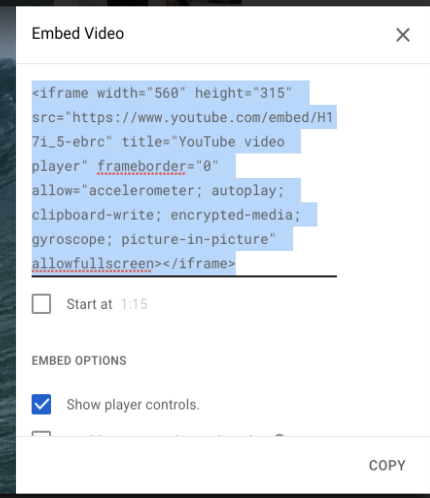
Step 5: Once you have copied, open your html file and paste the code into your text.
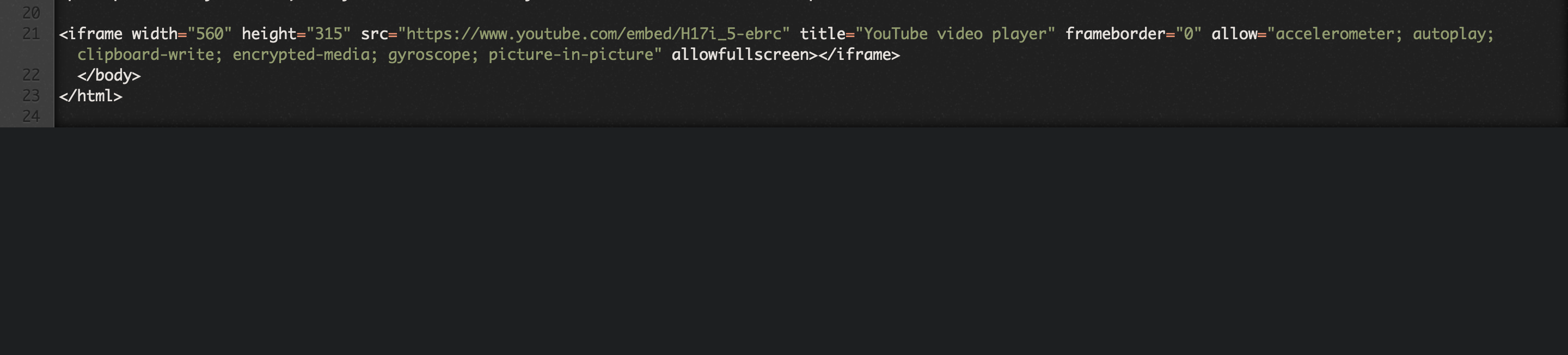
Step 6: Save your file, and you have successfully embedded a video into html!